
Add a connector or MCP server
Find hosted tools or connect a custom MCP server while preserving scoped access.
Connect tools deliberately
A connector gives agents a route to real systems. Before adding one, know who owns it, which agents need it, what scopes are required, and what failure should look like. Review connector health after the connection is live.
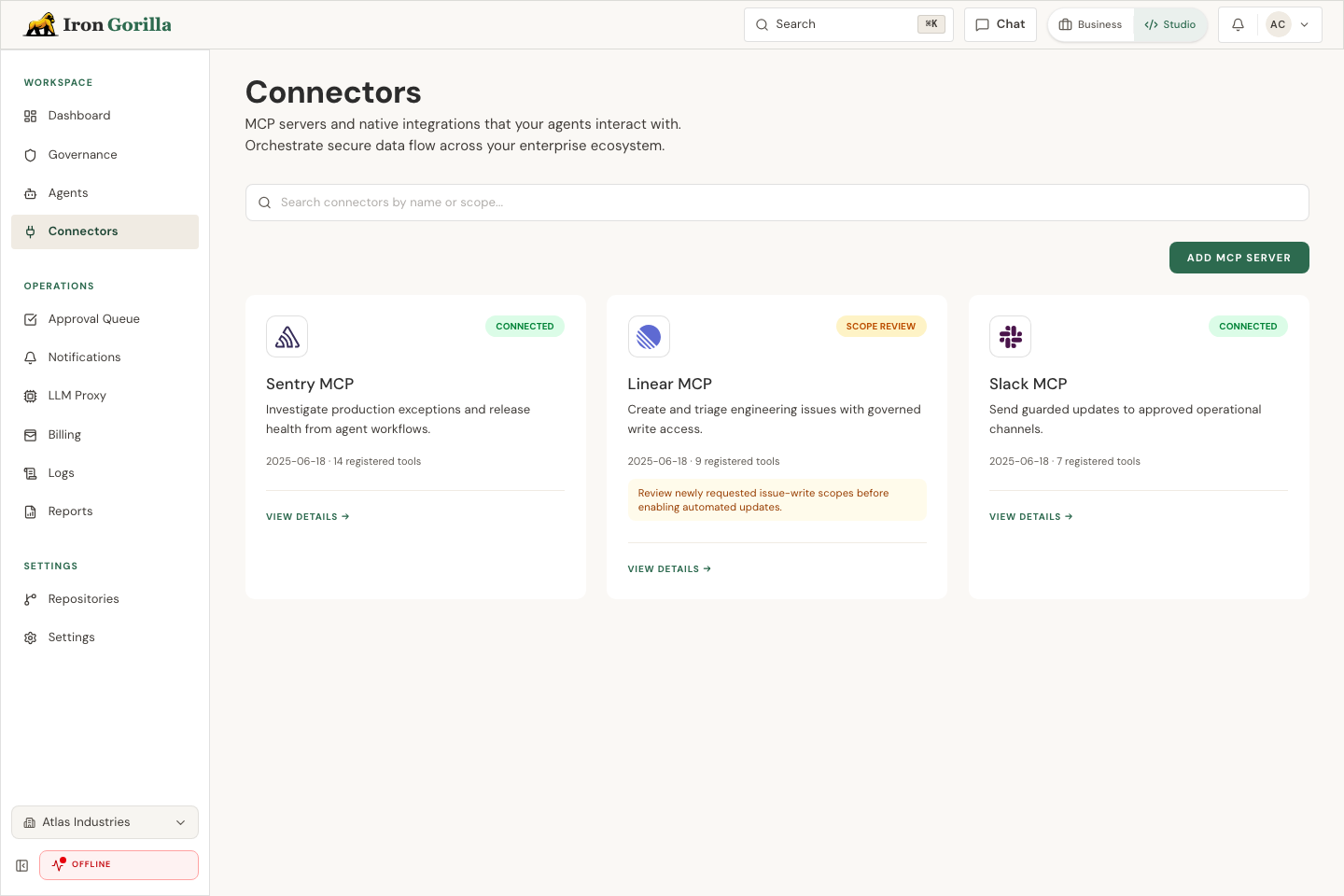
Find and connect a tool
Use the Connectors catalog to search or filter official hosted providers by category. If a provider offers more than one server, choose the server that matches the work and review any connection fields before continuing.
You can connect another instance of the same provider without replacing the first one. Custom MCP remains available for tools that are not in the hosted catalog.
Use the owner account or an approved service identity, then assign the connector only to agents that need it. Broad connector access should be treated as production risk, not a convenience.