
Pause and review agent work
Stop AI work, compare a safe recovery, and review the evidence before resuming.
Pause the smallest useful scope
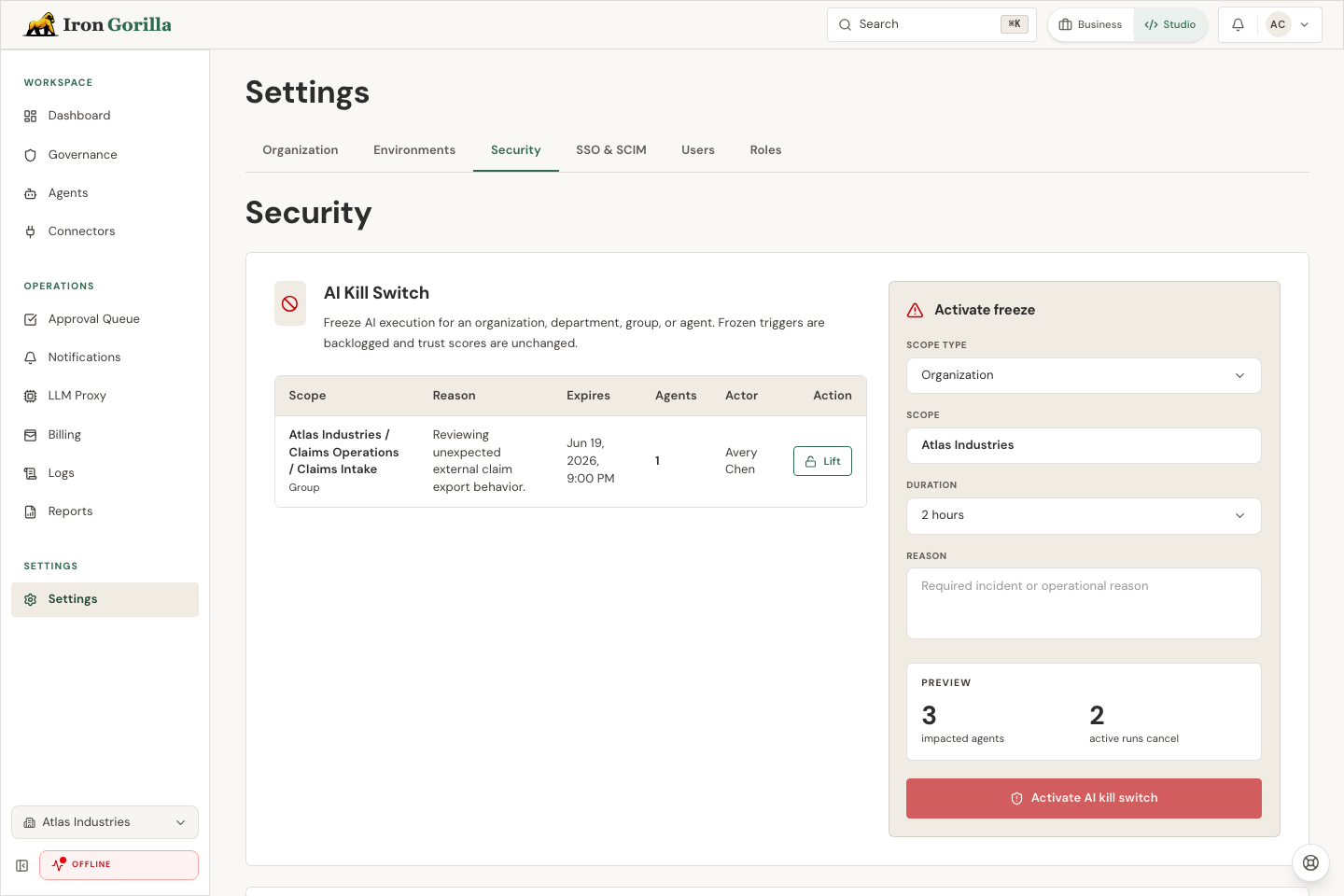
Authorized administrators can preview and pause AI work for the organization, a department, a group, or one agent from Security settings. Active work stops and new work waits until the pause is lifted or expires.
- Choose the smallest scope that contains the risk.
- Preview the affected agents and active jobs.
- Add an operator reason and a duration.
- Confirm the pause and notify the owner who will review recovery.
Review risk and recovery evidence
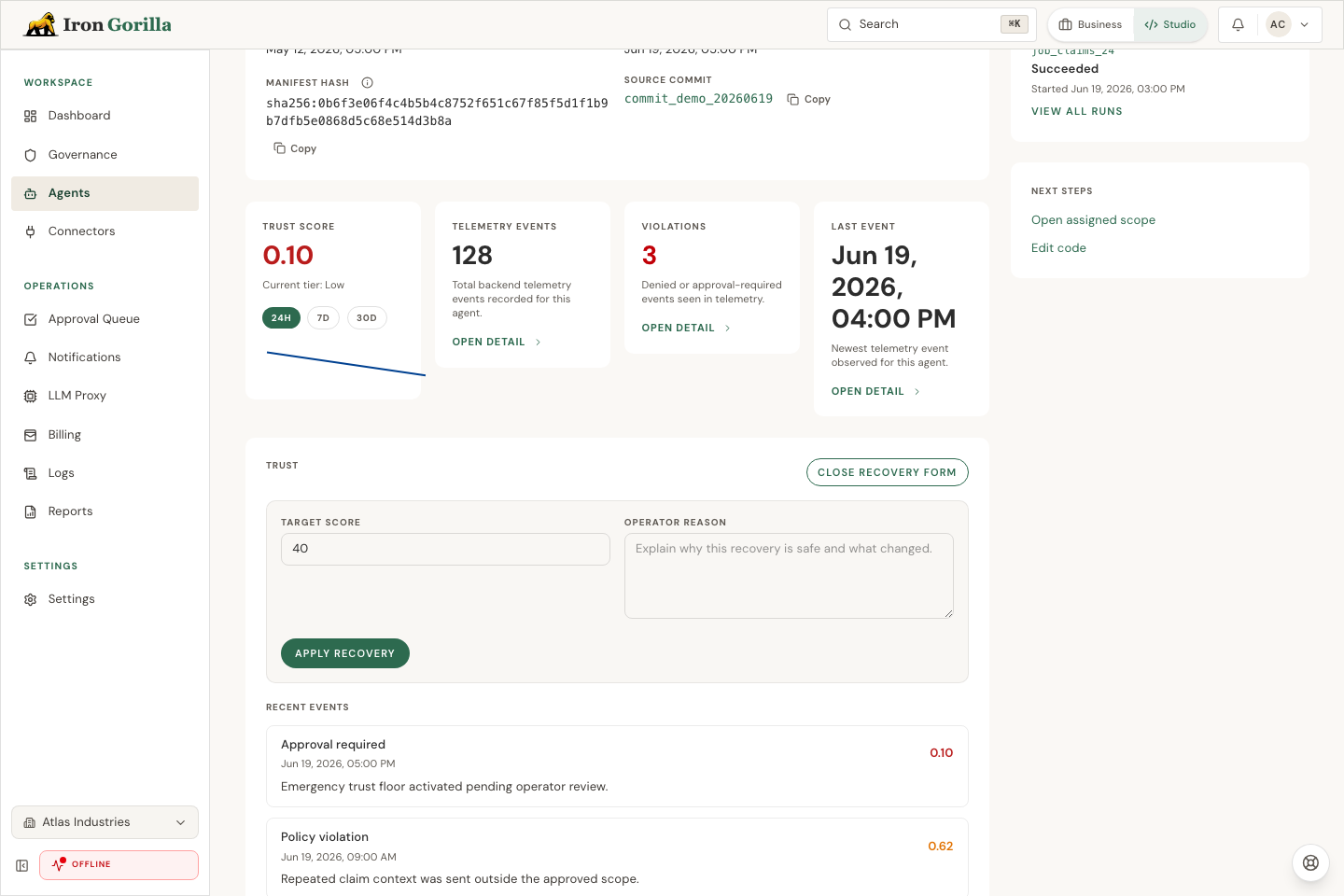
When a risky change is held, review the attempted action, policy, trust context, and approval evidence. Where recovery replay is enabled, compare the current and proposed behavior in simulation before choosing a recovery.
Governance narratives summarize the cited evidence for a reviewer. Approve the narrative before exporting or sharing it as a report.
Resume deliberately
Lift the pause only after the cause is understood, the recovery has been reviewed, and the right owner is watching the first resumed work. Follow up in the operations dashboard.