
Schedule recurring reports
Create a cadence for governance reports that should arrive without manual work.
Use schedules for routine evidence
Use recurring reports when the same audience needs the same evidence every week or month. Good examples are operations reviews, governance summaries, and compliance evidence packs that started as an ad-hoc report.
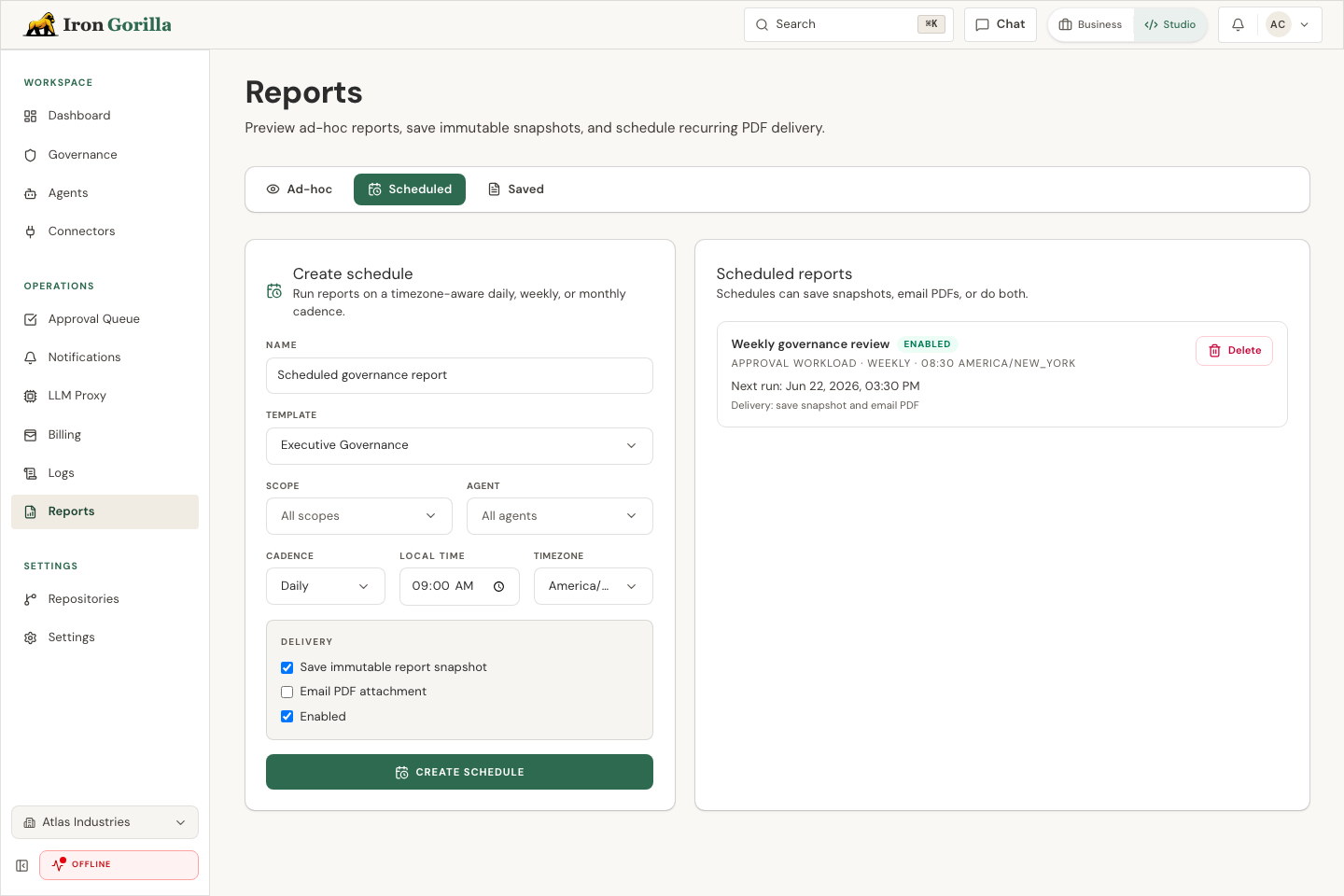
Schedule fields
A recurring schedule should start from a report preview that people already trust. Use the same template, scope, filters, and time window, then set the cadence and timezone around the meeting or review window that needs the report.
Delivery can save a snapshot, send a PDF, or do both. Select recipients by user or role, and enable the schedule only after the audience agrees the report is useful.
What recipients should expect
Saved snapshots keep report evidence stable for later review. PDF delivery works best for business readers who only need the summary, while saved reports are better when someone may need Markdown or JSON exports later.
Recipient lists should stay current. If a person no longer owns the process, remove them from the schedule instead of leaving recurring evidence on autopilot.