
Invite users and assign roles
Bring teammates into Iron Gorilla with appropriate access for their responsibilities.
Use roles to match responsibility
Give each person the job they need, not the broadest role available. Invitations do not grant product access. After inviting someone, use Access Control to assign a role only to the organization, department, or Functional Group where they work.
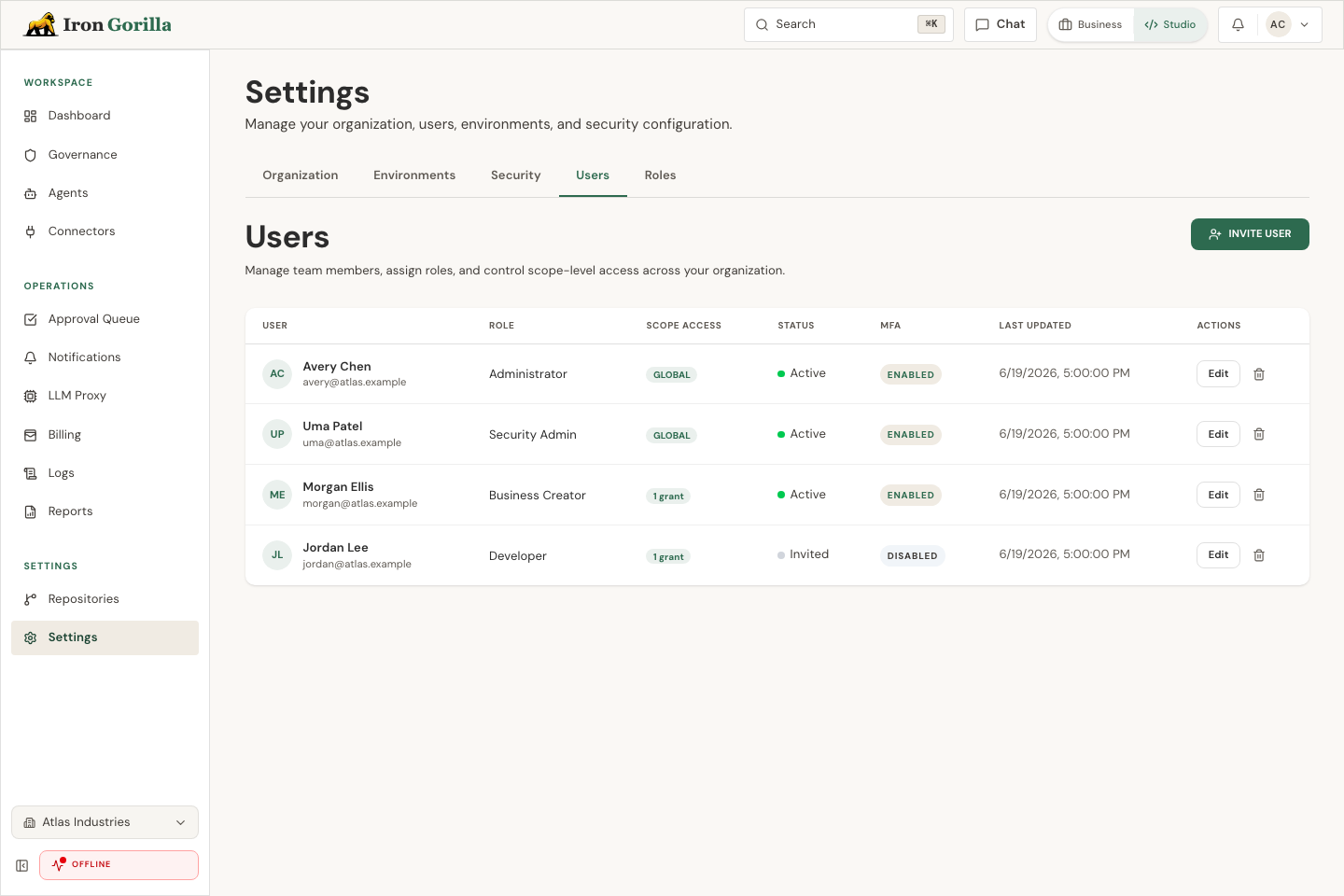
Inviting a teammate
Open Settings, then Access Control. On People, choose Invite user, add the person’s work email and name, and send the invitation.
The person starts with no product access. Open Scope Assignments to give them the right role and scope. They still need to complete sign-in, email verification, and MFA if your workspace requires it. Come back to People afterward and confirm their status changed from Invited to Active.
After the invite is accepted
Once the person accepts, confirm they can see the correct workspace and the page they need for their role, such as approvals, reports, connectors, or agents.
If something is missing, inspect their access before adding another assignment. Revisit access after the first week and remove roles that are not being used.